Carrd vs Linktree 2026: Carrd for a Site, Linktree for Speed
 Marcel Cruz
Pick Carrd if you want a real one-page site with your own domain for $19 a year. Pick Linktree if you want a link list live tonight for free. The catch on each: Carrd has no checkout, so selling means bringing your own; Linktree takes 12% on the free plan and offers no custom domain at any price.
| If you need | Pick | Why |
|---|---|---|
| A real one-page site you design | Carrd | Full layout control, $19/year for a custom domain |
| A link list, live in ten minutes | Linktree | Paste links, done, no design work |
| To sell products natively | Linktree | Carrd has no checkout at all |
| To keep 100% of a sale | Carrd | Linktree takes 12% free, 9% paid, 0% only at $35/month |
| A custom domain | Carrd (Pro Standard) | Linktree offers none on any plan |
| Both, without the trade-off | Neither, see below | Owned page plus link hub |
Carrd or Linktree: which should you actually pick?
Pick Carrd if the output matters and people will judge it: a portfolio, a product landing page, a personal site. Carrd hands you a blank canvas and expects you to design it, and the result looks like a website rather than a template.
Pick Linktree if the output is a routing layer. You have five links, you want them tappable under an Instagram bio tonight, and nobody is going to admire the page.
The mistake is picking on price. Carrd looks dramatically cheaper on paper, and at the tier most people actually need, the gap narrows in ways the roundups skip.
What is the real difference between Carrd and Linktree?
They are not the same category of product, which is why feature-by-feature tables mislead.
Carrd is a one-page site builder: you place text, images, buttons, forms and embeds on a blank canvas. The page can be a link list if you build it that way, or a landing page with a signup form. The ceiling is high and the floor is "you have to design something."
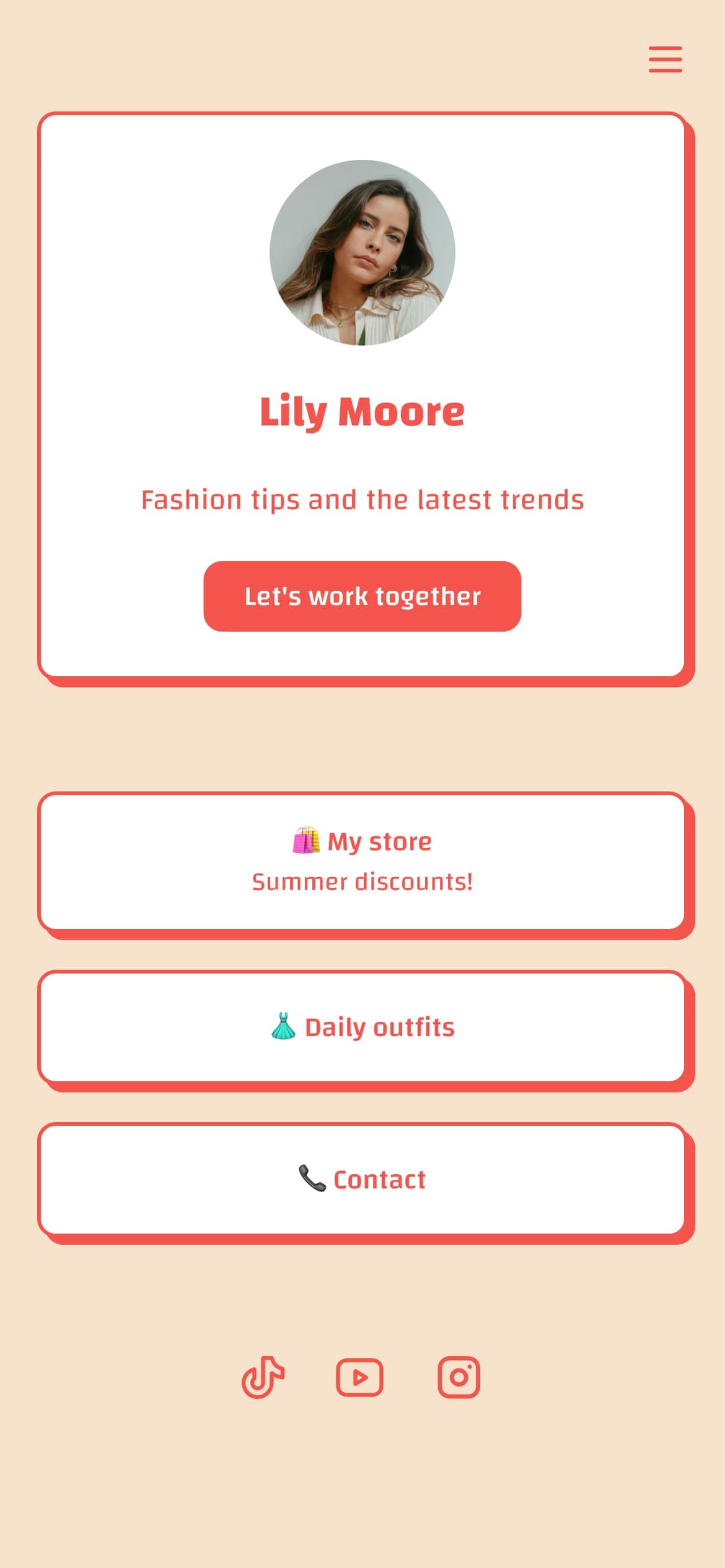
Linktree is a link hub. The layout is fixed at avatar, bio, stacked buttons. You are not designing, you are configuring, and that constraint is why Linktree is faster to ship and harder to make ugly. Our guide to what a link in bio page actually is covers the category before the tool choice.
How much do Carrd and Linktree actually cost in 2026?
Carrd is annual only. It publishes no monthly price, so any monthly figure you see for Carrd is amortized, including the ones below.
| Carrd plan | Price | What it unlocks |
|---|---|---|
| Free | $0 | 3 sites, core features, Carrd branding, Carrd subdomain |
| Pro Lite | $9/year | Removes branding, premium templates, larger uploads, QR codes |
| Pro Standard | $19/year | Adds custom domains, forms, embeds, analytics, meta tags |
| Pro Plus | $49/year | Adds advanced forms, password protection, redirects, site downloads |
| Linktree plan | Price | Seller fee |
|---|---|---|
| Free | $0 | 12% |
| Starter | $8/month | 9% |
| Pro | $15/month | 9% |
| Premium | $35/month | 0% |
Here is the correction almost every comparison gets wrong: Carrd's $9/year Pro Lite does not include a custom domain. It also has no forms and no analytics. It buys branding removal and cosmetics. The cheapest Carrd tier with a custom domain, forms, or analytics is Pro Standard at $19/year, which is roughly $1.58/month amortized.
Even corrected, Carrd is far cheaper: $19/year against Linktree's $8/month floor. If you want every Carrd tier mapped out, we cover it in Carrd's 2026 pricing, and our full Carrd review covers who should skip it entirely. Linktree's own ladder is worth reading closely too, since branding removal sits at Pro and not at Starter. We broke that down in Linktree's 2026 pricing.
Which one costs you more when you sell something?
Carrd charges no transaction fee. Linktree takes 12% on Free and 9% on Starter and Pro, dropping to 0% only on Premium at $35/month, all on top of Stripe's processing.
That looks like a rout for Carrd until you read what the 0% means. Carrd charges no seller fee because it has no commerce layer at all: no store, no checkout, no product page. You sell by embedding someone else's widget, bringing your own Gumroad or Stripe payment link, and you pay that provider's cut instead.
So Linktree's fee is the price of a built-in checkout, and Carrd's zero is the price of not having one. Linktree Premium's 0% beats Pro's 9% once your page clears roughly $222/month in sales. If you sell rarely, Carrd plus an external checkout is cheaper than any Linktree tier. Against a phone-app builder the fee math runs the other way: Milkshake tapers to 7%, which beats Linktree up to about $357 a month in sales and loses to Premium's 0% above it, as the Linktree vs Milkshake cost table shows.
Can you use a custom domain on either?
Carrd: yes, from Pro Standard at $19/year. Your page can live at yourname.com.
Linktree: no. Linktree does not offer a custom domain on any plan, including Premium. Its help documentation confirms this and suggests redirect links as a workaround, which is not the same thing, since the URL your visitors land on and share is still linktr.ee.
For anyone building a brand rather than a temporary landing spot, this is the single largest difference between the two, and it is the reason so many creators eventually leave, a pattern we traced in Beacons vs Linktree.
How much work is each one to set up?
Linktree is minutes: sign up, paste links, choose a theme, publish. There is nothing to design because there is nothing designable, which is the correct trade for a first bio page.
Carrd is an afternoon. Even from a template you are moving elements, choosing type, and making layout calls. The output is better and the work is real, so if design is not something you enjoy, the blank canvas is a cost and not a feature.
Linktree is a task, Carrd is a small project. If you are unsure what your page has to contain before committing to either, our free link in bio checklist is faster than building twice.
Why did people stop using Linktree?
Three things, roughly in the order they bite.
Price. Linktree raised every paid tier in late November 2025: Starter went from $5 to $8, Pro from $9 to $15, and Premium from $24 to $35. Someone who signed up at $9 to remove the branding now pays $15 for the same thing, which is the exact calculation we ran in Linktree free vs Pro.
The domain ceiling. Linktree offers no custom domain on any plan, including $35 Premium. There is no amount of money that moves your page off linktr.ee, so anyone building a brand has to leave eventually just to keep the URL.
The 2026 terms. Linktree's privacy notice and terms took effect on 5 July 2026 and now name third-party AI tools directly, including sharing profile information with services like ChatGPT and Claude. An opt-out exists in account settings, but it is opt-out rather than opt-in, and Linktree warns it may reduce your profile's discoverability on those services. We read the whole thing in what changed in Linktree's 2026 privacy notice.
None of these is a scandal alone. Together they explain the shape of the search data around this comparison: the questions people type next to it are "what is replacing Linktree" and "is Linktree outdated", not "how do I use Linktree".
What is replacing Linktree?
No single tool, and anyone who tells you otherwise is selling one. Which replacement is right depends on which of the three problems above pushed you out.
- You want a real page you control. Carrd, $19/year for Pro Standard with a custom domain. You design it yourself, and there is no checkout.
- You sell and the fee hurts. Stan Store or Beacons. Both run native storefronts, and both have tiers that take the seller fee to 0%.
- You want the link hub without the ceiling. A link-in-bio tool that includes a custom domain on its entry paid plan. Ours, Linkero, is one of those at $10/month, and we are plainly not a neutral party about it; several others qualify and they are in our roundup of the best link in bio tools.
- You want to stop paying entirely. Linktree's free tier still works. It keeps the branding and takes 12% of anything you sell, but as a pure router it is unchanged.
For most people leaving over price alone, the honest answer is that they were paying $15 a month to remove a logo, and almost everything else here does that for less.
When is neither the right answer?
Some people want a designed page and a custom domain and a link hub they can restyle without rebuilding it. Carrd gives you the first two but expects you to design and maintain the page; Linktree gives you speed but caps you at its subdomain forever.
That gap is why we built Linkero, so discount our opinion accordingly: it puts a custom domain and real styling control on the entry paid plan without a blank canvas, and current prices are on our pricing page. It is not the answer for everyone. If you want a genuine one-page website with sections and forms, Carrd does that better than any link-in-bio tool including ours, and if you need a page tonight for free, Linktree still wins on speed.
FAQ
What is better, Linktree or Carrd? Neither is better in general, and the split is clean. Carrd is better if the page itself is the product and you want it on your own domain for $19 a year. Linktree is better if you need links live tonight, want a native checkout, or do not want to design anything. Cost only decides it if you sell.
Is Linktree outdated? No. It still has the largest user base in the category, active development, and the fastest setup of anything here. What is outdated is its pricing position: $15 a month to remove branding, with no custom domain at any tier, in a market where $19 a year buys both. That is a value problem, not an abandonment problem.
Do people still use Carrd? Yes, and mostly outside the link-in-bio conversation. Carrd's audience is people building one-page sites: portfolios, launch pages, personal sites, event pages. It ranks in link-in-bio comparisons because it is the cheapest way to own a real page, not because it is a link hub.
What do people use instead of Carrd? Usually one of two directions. People who found Carrd too much work move to a link-in-bio tool with fixed layouts. People who outgrew one page move to Webflow, Framer, or a similar multi-page builder. Carrd's limit is almost always page count or commerce, rarely design.